THE FUTURE. DELIVERED.



Qi Card Payment
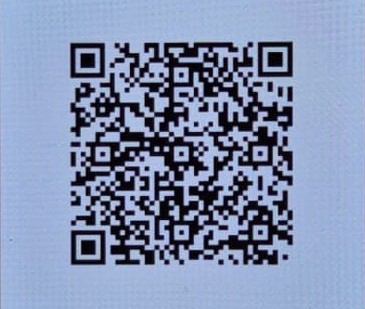
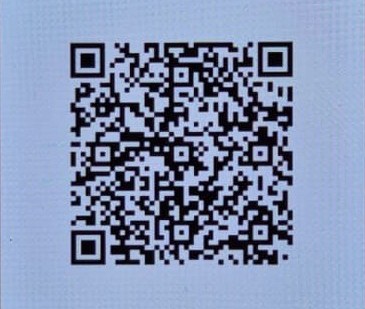
Open SuperQi, Scan the QR code, pay the total, and put your number at the note section, or send it to this number +964 751 761 2201 on the app
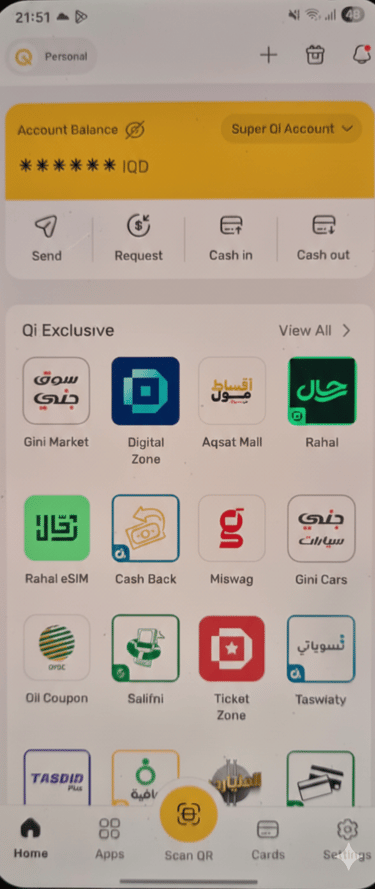
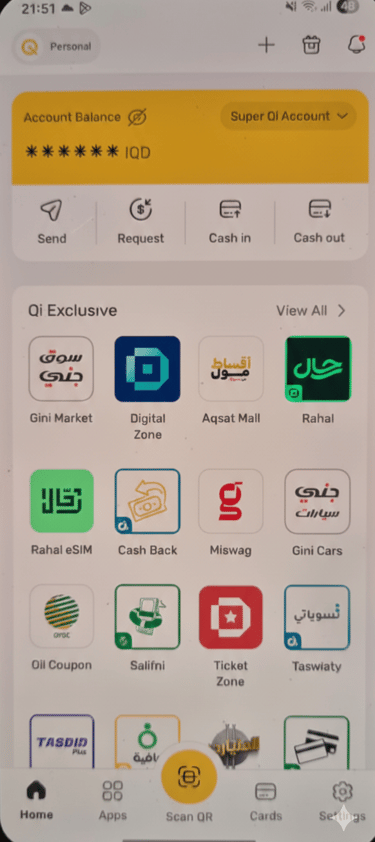
Step 1 Open the Qi App & Scan
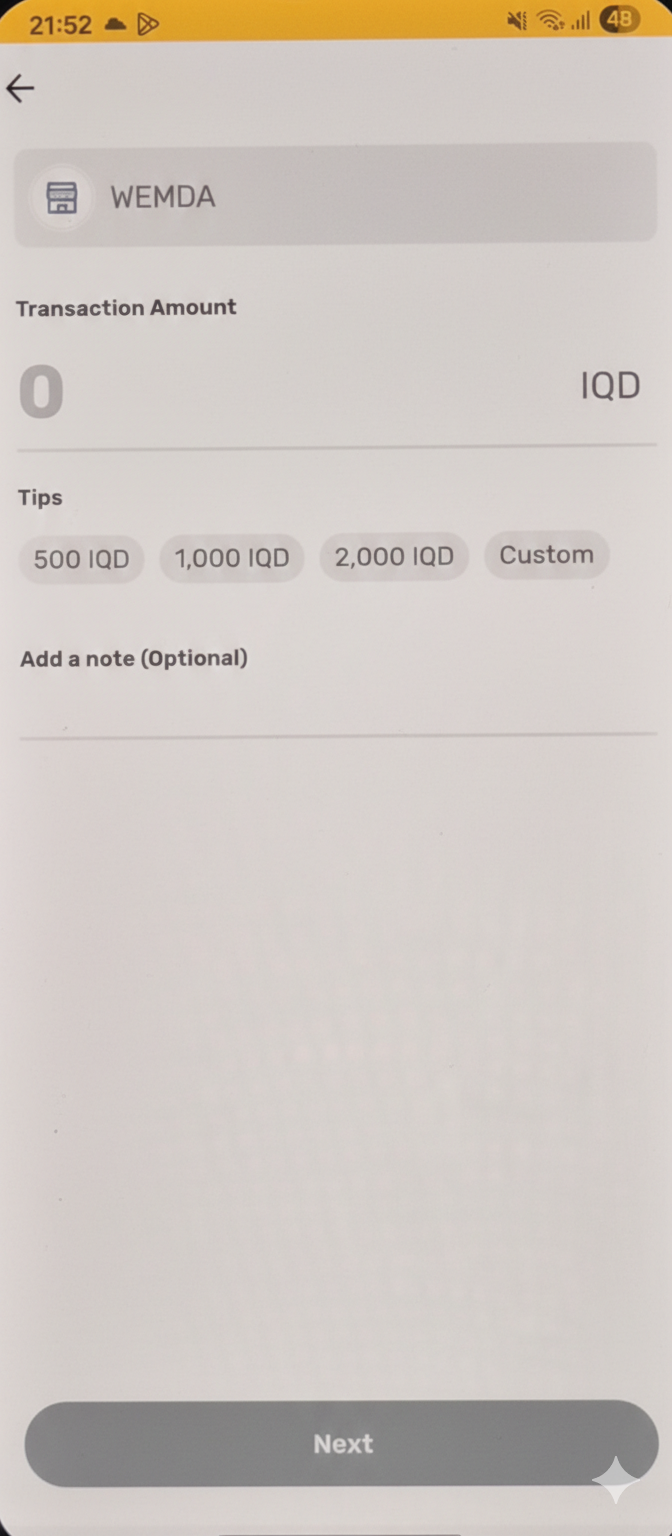
Step 3: Enter the Payment Amount
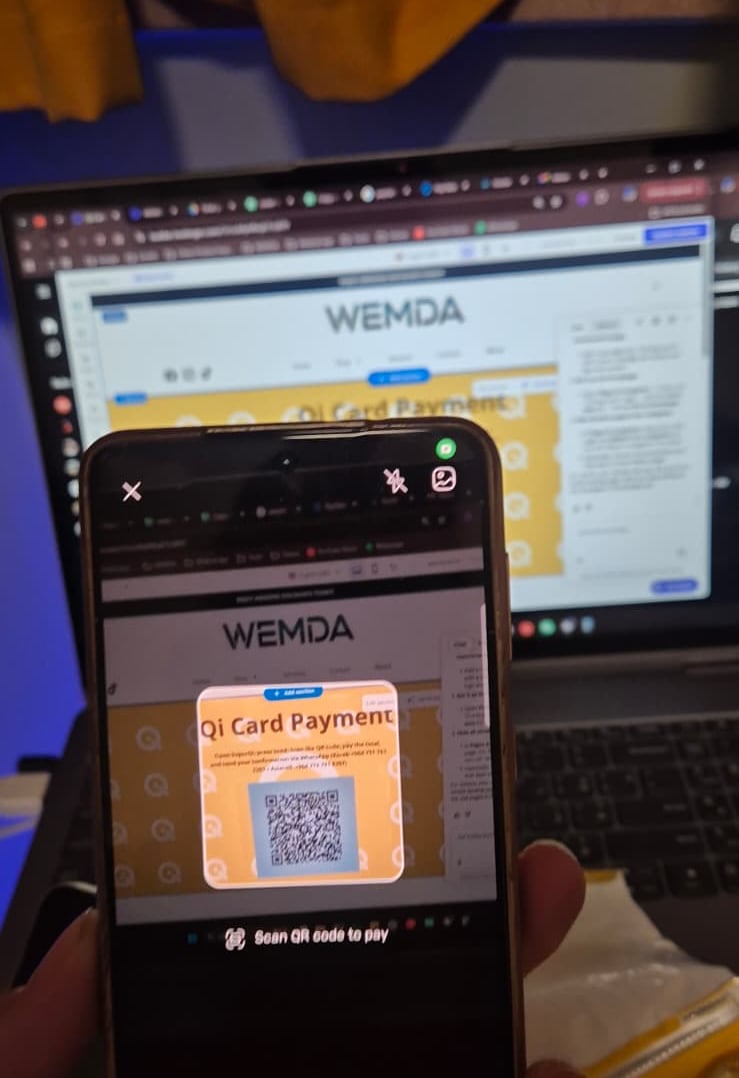
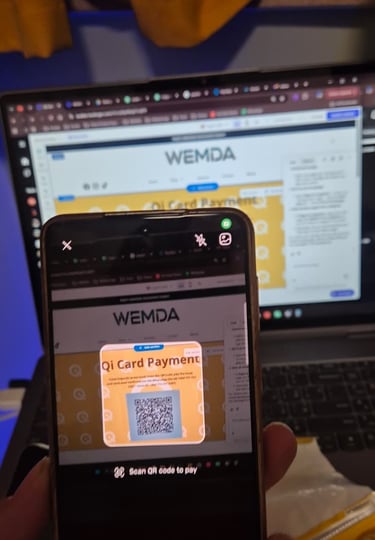
Step 2: Scan the Payment QR Code
Open your Qi Card app. On the home screen, press the yellow “Scan QR” button at the bottom center to start the payment.
After tapping Scan QR, aim your camera at the Qi Card payment QR code on our payment page. Review the amount and press Confirm to pay.
Enter the same amount displayed on the WEMDA payment page in Iraqi Dinar (IQD).
Double-check the amount, then press Next to proceed.




FAQs
How do I pay?
Open SuperQi, tap Send, scan the QR code, pay the total amount, then send your payment confirmation via WhatsApp
(Korek +964 751 761 2201 / Asiacell +964 774 791 8397).
What details needed?
Is this payment method mobile-friendly?
Is this payment method secure?
Who is the merchant?
Yes. The payment page and QR code work smoothly on all smartphones.
The merchant name shown in SuperQi will be WEMDA.
What details do I need to send after payment?
Please send:
Your order number
A screenshot or reference of the successful payment
This helps us confirm and process your order quickly.
Yes. Payments are processed directly through SuperQi, and confirmation is handled manually by our team for accuracy.
When will my order be confirmed?
Orders are confirmed after we receive your WhatsApp payment confirmation. You’ll then be contacted for delivery arrangements.

Contact Us
Questions? Send your payment confirmation via WhatsApp.
Contact
Socials
Stay Connected
Email hello@wemda.store
Korek +964 751 761 2201
© 2025. All rights reserved.
Asiacell +964 774 791 8397


Follow WEMDA for updates, new arrivals, and offers.